
Exploring Apache Iceberg – Part 4 – Parquet Files with Oracle Autonomous Database
In this post I’ll walk through the steps needed to setup and use Parquet files with an Oracle Autonomous Database and with the parquet files stored in Oracle Cloud. In my previous post, did something similar but for an on-premises Oracle Database.
Generally the setup is very similar except for two particular parts where we need to load the parquet files into a bucket on Oracle cloud (OCI) and the secondly we need some additional configuration in the Database to be able to access those files in an OCI bucket.
Create Bucket and Upload files
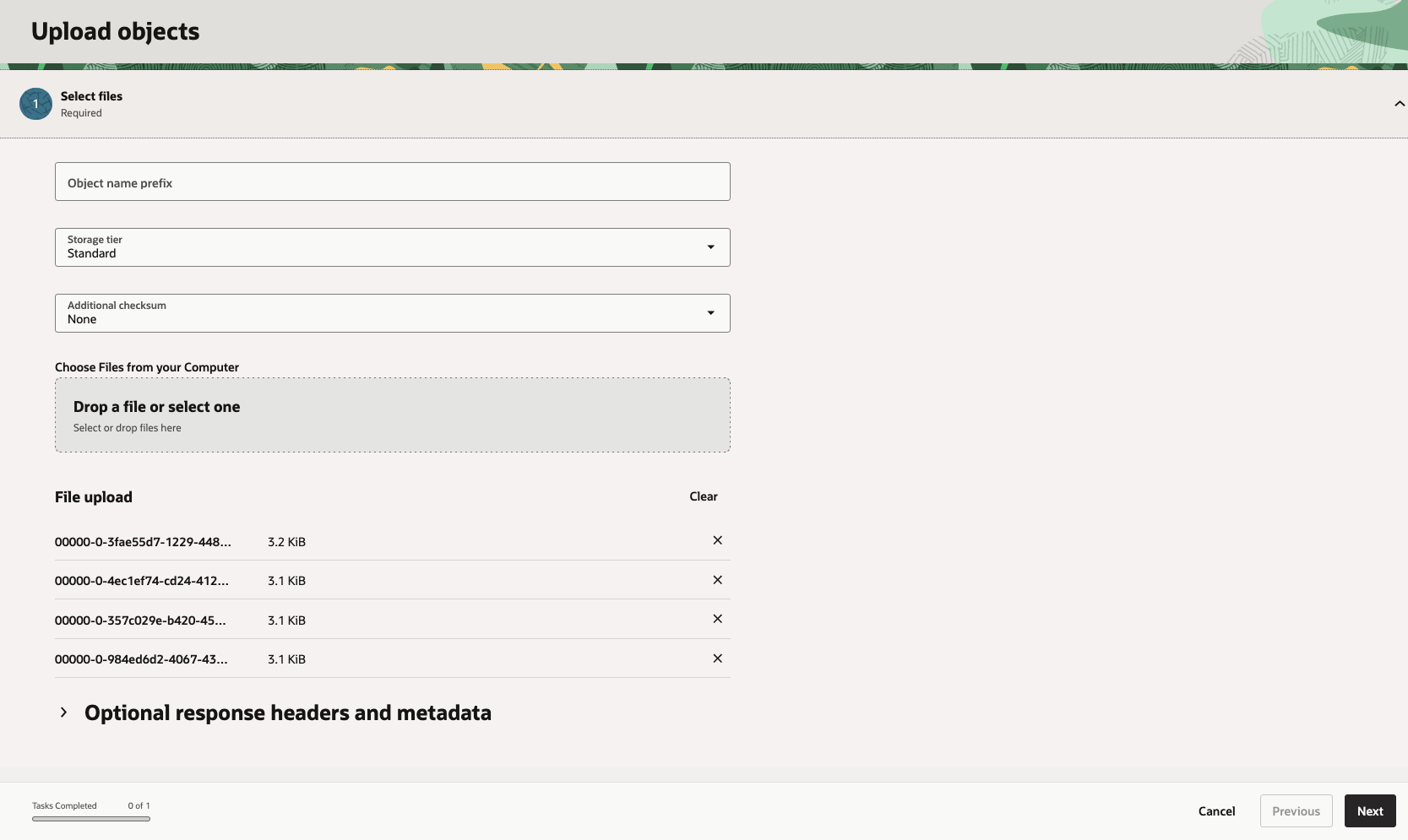
In OCI Storage section of OCI, create a new bucket (Parquet-files) and upload the parquet files. You can automate this step with a simple piece of Python code.
Create Credential
Log into the schema you are going to use to create the external table. You’ll need to generate an authentication token.
BEGIN DBMS_CLOUD.CREATE_CREDENTIAL( credential_name => 'PARQUET_FILES_CRED', username => '<your cloud username>', password => '<generated auth token>' );END;
Create the External table
We can now create the external table pointing to the parquet files in the OCI bucket.
BEGIN DBMS_CLOUD.CREATE_EXTERNAL_TABLE( table_name => 'PARQUET_FILES_EXT', credential_name => 'PARQUET_FILES_CRED', file_uri_list => 'https://objectstorage.us-ashburn-1.oraclecloud.com/n/<namespace>/b/Parquet-Files/o/*.parquet', format => JSON_OBJECT( 'type' VALUE 'parquet', 'schema' VALUE 'first', 'blankasnull' VALUE 'true', 'trimspaces' VALUE 'lrtrim' ) );END;/
Query the Parquet Files
We can now query the parquet files.
SELECT region, product, SUM(amount) AS total_salesFROM parquet_files_extGROUP BY regionORDER BY total_sales DESC;
 Ora-lytics